

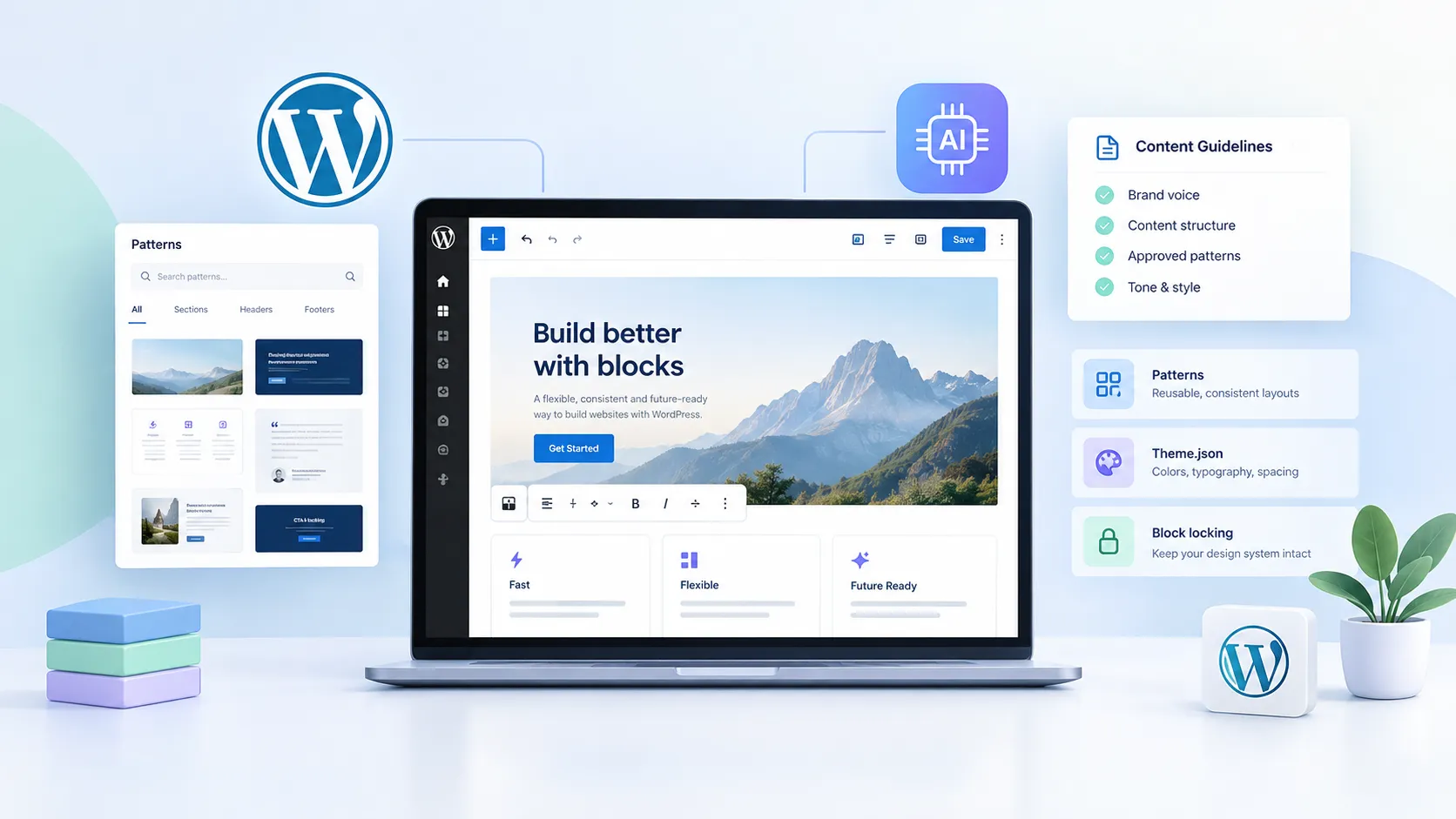
The most common thing I hear from agency devs who’ve touched Full Site Editing is some version of “it’s not ready yet.” After building and auditing a couple dozen WordPress sites with block themes, I’ve landed somewhere different—FSE is ready, but only if you stop trying to shoehorn classic-theme habits into it. The mental shift that unlocked things for me: treat WordPress itself as the source of truth, not your custom CSS framework, not your page builder, not your design tokens file.
Here’s what that actually means in practice—and where it still falls apart.
1. What “source of truth” actually means in a WordPress context
In a classic theme workflow, the source of truth lives in your stylesheet, maybe a theme.json partial, maybe a Figma file your designer hasn’t touched in six months. Everyone has a slightly different answer, and inconsistency creeps in between deployments.
Block themes flip this. When you properly configure theme.json—your color palette, typography scale, spacing presets, block gap defaults—the editor itself becomes the constraint layer. Editors can’t pick a color that’s not in the palette. Developers can’t override spacing with one-off classes without deliberately stepping outside the system.
That’s what “WordPress as the source of truth” means: the decisions live inside the CMS, not in a separate design system that someone has to manually keep in sync. For agencies managing ten or more sites, that consistency dividend compounds fast.
2. Patterns as guardrails, not just shortcuts
Most developers I talk to use patterns as a “quick insert” feature—a saved layout you drop in and then immediately edit into something else. That’s the wrong mental model.
Synced patterns (what used to be called reusable blocks) are where the real leverage is. A synced pattern is a single source of record that renders identically everywhere it’s used. Change it once, it updates globally. For things like CTAs, pricing tables, or footer disclaimer text that has to be legally correct, this is a bigger deal than it sounds.
Unsynced patterns are for layout scaffolding—give editors a head start on structure, but let them diverge from there. Mixing both intentionally is the move most block theme setups get wrong by defaulting to one or the other.
If you’re registering patterns in a plugin or theme, use register_block_pattern() and lock the blocks you don’t want editors touching. WordPress has had block locking since 6.0—most teams don’t use it, which is how you end up with a “synced” pattern that an editor has quietly broken by unlocking and modifying a single instance.
3. Where AI fits in—and why it needs your content guidelines
The interesting angle here is what happens when you introduce AI content generation into a block theme workflow. The naive version: you give an AI tool access to your site and let it generate pages. The result is content that’s tonally inconsistent, structurally arbitrary, and completely ignorant of your established patterns.
The version that actually works: your patterns and content guidelines become the context you feed the AI. If you’ve documented your block patterns, defined what a hero section should contain, and written down your voice guidelines—that’s the system prompt. The AI generates within the constraints you’ve already encoded in WordPress.
This requires that your content guidelines actually exist somewhere, which is a gap on most agency-built sites. A paragraph in a README that only developers read doesn’t count. If it’s not surfaced to editors—and soon to AI agents—it might as well not exist.
Practically speaking: write your content guidelines as a pinned page or a custom admin notice. Use a plugin like Admin Site Enhancements to surface them in the dashboard. That way both human editors and any AI tooling that ingests site context have the same reference point.
4. The WooCommerce block theme reality check
This is where the “WordPress as source of truth” model runs into real friction. WooCommerce’s block theme support has improved a lot, but if you’re building a serious store—custom checkout flows, complex product filtering, subscription products—you will hit walls.
A few things that still cause headaches in 2026:
- The Cart and Checkout blocks don’t respect all
theme.jsonspacing presets consistently across WooCommerce versions. - Third-party payment gateways often inject classic markup that breaks your FSE layout assumptions.
- Product filters via the Filter Products blocks work fine on simple catalogs but get hairy once you add composite products or custom taxonomies.
- Any plugin that hooks into
woocommerce_before_cart-style actions is basically injecting classic PHP output into a block-rendered page—the visual inconsistency is jarring.
My honest take: for a brochure-style WooCommerce store (under ~500 SKUs, standard checkout, no subscriptions), a block theme is the right call today. For a complex build, a hybrid approach—block theme for the marketing pages, classic template overrides for the store pages—is still more pragmatic than forcing everything into FSE.
5. What I’d actually do on a client site
When I’m setting up a block theme for an agency client, here’s the non-negotiable checklist that comes from hard lessons:
- Lock
theme.jsonsettings aggressively at first. SetappearanceTools: falseon the blocks where you don’t want editor overrides, then selectively re-enable. It’s much easier to loosen restrictions later than to claw back a site that’s been “customized” by five different editors over two years. - Register patterns from a plugin, not the theme. When the client eventually asks for a theme refresh, you don’t want to lose all their synced patterns. Plugin-registered patterns survive theme switches.
- Document content guidelines in the admin, not a Notion doc. Notion docs get stale. An admin-visible guidelines page gets seen every time someone logs in.
- Set up a staging→production deployment that handles the
wp_poststable. Template parts and patterns live in the database in FSE, not in files. If your deployment workflow only handles files, you’re going to lose template edits. Use WP Migrate or a similar tool for the full database push. - Audit plugin footprint on the front end. Block themes tend to have leaner CSS than classic themes, but one poorly coded plugin can blow that advantage. I always run a quick WordPress speed audit after the initial build to catch scripts and styles that have no business loading site-wide.
The AI angle specifically: I’ve started keeping a “Site Context” document as a private page in every WordPress install I build. Brand voice, approved color names, content structure guidelines. It’s useful for onboarding human editors—and it’s going to be the thing AI tooling reads when it generates content for that site. Starting that habit now costs five minutes; retrofitting it later costs a lot more.
6. The boring truth about FSE adoption
The “WordPress as source of truth” idea isn’t new—it’s basically what classic WordPress was supposed to be before page builders created a parallel universe of settings that lived outside the CMS. FSE is a course correction. The patterns, the theme.json constraints, the block locking—these are WordPress finally building the guardrails that classic themes left entirely to developers to invent from scratch.
If you’re an agency still defaulting to Elementor or Divi for every new build because FSE feels unfamiliar, I get it. But the client who switches to a block theme today has a site that’s structurally better positioned for whatever AI content tooling looks like in 18 months. That’s the real sell.
If you’re mid-migration from a classic theme to a block theme and hitting the rough edges, WordPress development is exactly the kind of engagement where a second set of eyes pays for itself—especially around the WooCommerce integration points where the documentation is still catching up to the reality.
And if the site’s already on a block theme but performance isn’t where it should be, check out the WordPress speed optimization service. FSE introduces some non-obvious performance pitfalls around how styles are loaded per-block—worth a dedicated look before you assume it’s a hosting problem.