

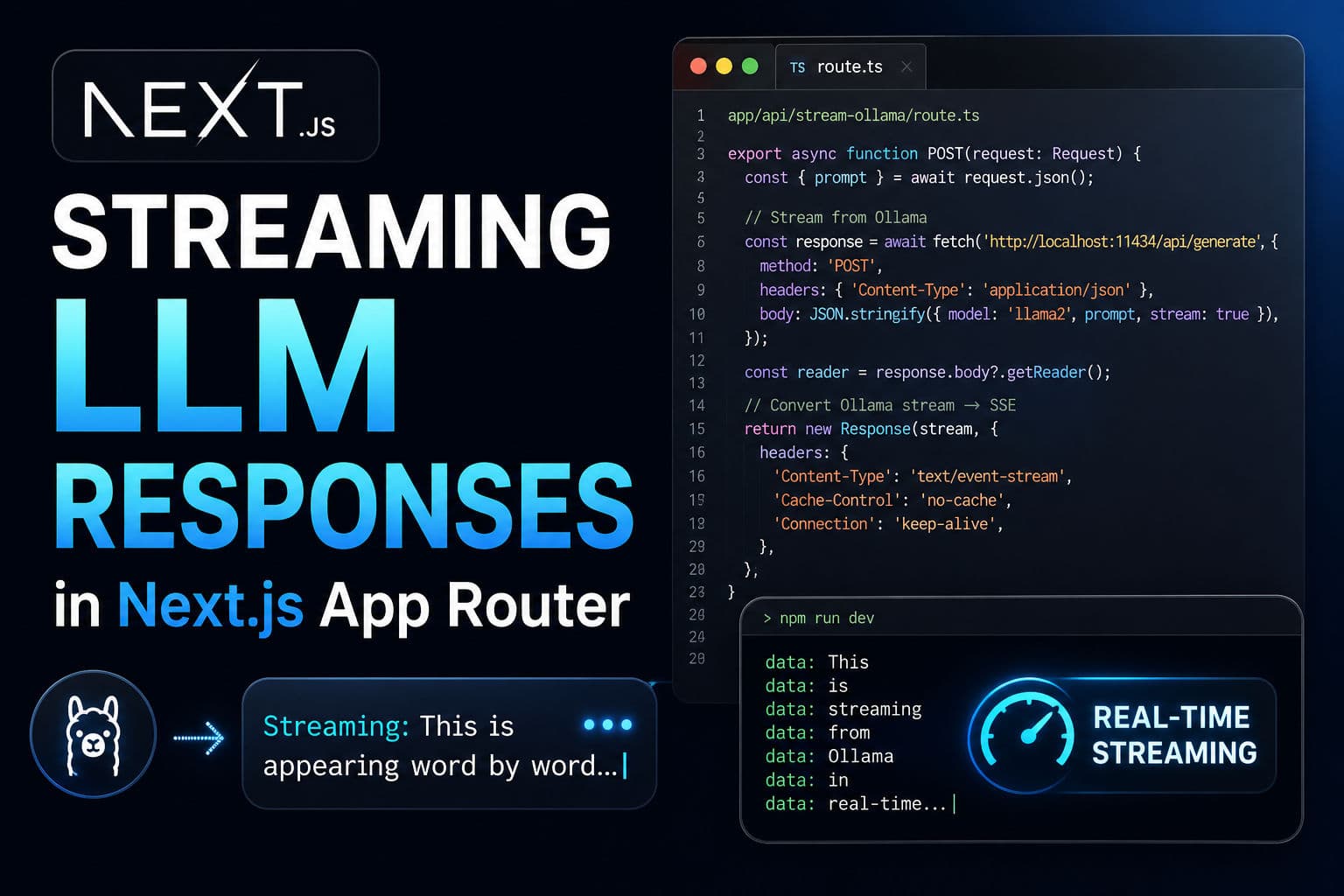
Most Next.js + Ollama tutorials show a single await fetch and call it production-ready. The user types a question, waits eight seconds, and a wall of text drops all at once. That’s not how modern LLM apps work. Real streaming means tokens appear word by word as they’re generated—just like ChatGPT. I’m going to show you how to build that in Next.js 15 App Router without overcomplicating it.
Here’s what makes the difference between a prototype and something users actually want to use.
1. Why streaming matters
When you await the full Ollama response before sending it back to the client, you’re blocking the browser for seconds. The user sees nothing. Then boom—a paragraph of text. It feels broken.
Streaming changes that. The client opens a connection. Tokens arrive continuously. The UI updates live. Even if the full response takes ten seconds, the user sees progress immediately and perceives the app as responsive.
This is especially critical when you’re running Ollama locally or on a cheaper instance. Latency will be high. Streaming masks it.
2. The Server-Sent Events pattern
Server-Sent Events (SSE) is HTTP on top of a simple protocol: the server sends text data, each “event” is a line prefixed with data: , and the browser’s EventSource API parses it automatically. No WebSocket setup. No framing complexity.
For LLM streaming, here’s the flow:
- Client sends a prompt via
fetch()to your Next.js route - Route opens a stream from Ollama
- Route reads chunks from Ollama and sends each as an SSE event
- Client’s
EventSourcelistener receives each event and appends to the DOM - Stream closes when Ollama is done
It’s dead simple and works in every browser.
3. Build the route handler
Create app/api/stream-ollama/route.ts:
      export async function POST(request: Request) {
        const { prompt } = await request.json();

        const response = await fetch('http://localhost:11434/api/generate', {
          method: 'POST',
          headers: { 'Content-Type': 'application/json' },
          body: JSON.stringify({ model: 'llama2', prompt, stream: true }),
        });

        const reader = response.body?.getReader();
        if (!reader) return new Response('Stream failed', { status: 500 });

        const stream = new ReadableStream({
          async start(controller) {
            const decoder = new TextDecoder();
            try {
              while (true) {
                const { done, value } = await reader.read();
                if (done) break;

                const chunk = decoder.decode(value);
                const lines = chunk.split('\n');

                for (const line of lines) {
                  if (!line.trim()) continue;
                  const parsed = JSON.parse(line);
                  if (parsed.response) {
                    controller.enqueue(
                      new TextEncoder().encode(`data: ${parsed.response}\n\n`)
                    );
                  }
                }
              }
            } catch (err) {
              controller.error(err);
            } finally {
              controller.close();
            }
          },
        });

        return new Response(stream, {
          headers: {
            'Content-Type': 'text/event-stream',
            'Cache-Control': 'no-cache',
            'Connection': 'keep-alive',
          },
        });
      }
The key move: use Node’s ReadableStream to transform Ollama’s JSON stream into SSE format. Each parsed.response chunk becomes a data: line.
4. Connect the client component
In your client component (mark it with ’use client’):
      'use client';

      export default function ChatForm() {
        const [output, setOutput] = useState('');

        const handleSubmit = async (prompt: string) => {
          setOutput('');
          const eventSource = new EventSource(
            `/api/stream-ollama?prompt=${encodeURIComponent(prompt)}`,
            { method: 'POST' }
          );

          eventSource.onmessage = (event) => {
            setOutput((prev) => prev + event.data);
          };

          eventSource.onerror = () => {
            eventSource.close();
          };
        };

        return (
          <div>
            <button onClick={() => handleSubmit('Tell me a joke')}>Ask</button>
            <div>{output}</div>
          </div>
        );
      }
The EventSource listener sits on each incoming data: line and appends it to state. React re-renders on each token. That’s it.
5. What I actually ship
The examples above are correct but they miss a few production details I always add:
Timeout guards. If Ollama hangs for 30 seconds, the client connection should close gracefully, not just wait forever. Use AbortController on the client and a timeout wrapping reader.read() on the server.
Error boundaries. Network hiccups will kill the stream. Wrap the EventSource setup in a try-catch. Let users retry without reloading the page.
Loading states. While the stream is open, disable the submit button and show a spinner. Users need to know work is happening. SSE doesn’t give you a “loading” phase like traditional fetch does.
Memory on long conversations. If you’re storing conversation history, don’t re-stream old messages on every new prompt. Cache them in state or localStorage. Re-streaming is both wasteful and slow.
When I work on Next.js projects that involve real-time data, the pattern is always the same: stream early, handle errors loudly, and never block the UI thread. This scales from Ollama to any backend that outputs progressive results.
If you’re building an LLM integration and want to validate the architecture before shipping, let’s talk. I’ve tuned this pattern enough times to spot the gotchas upfront.