

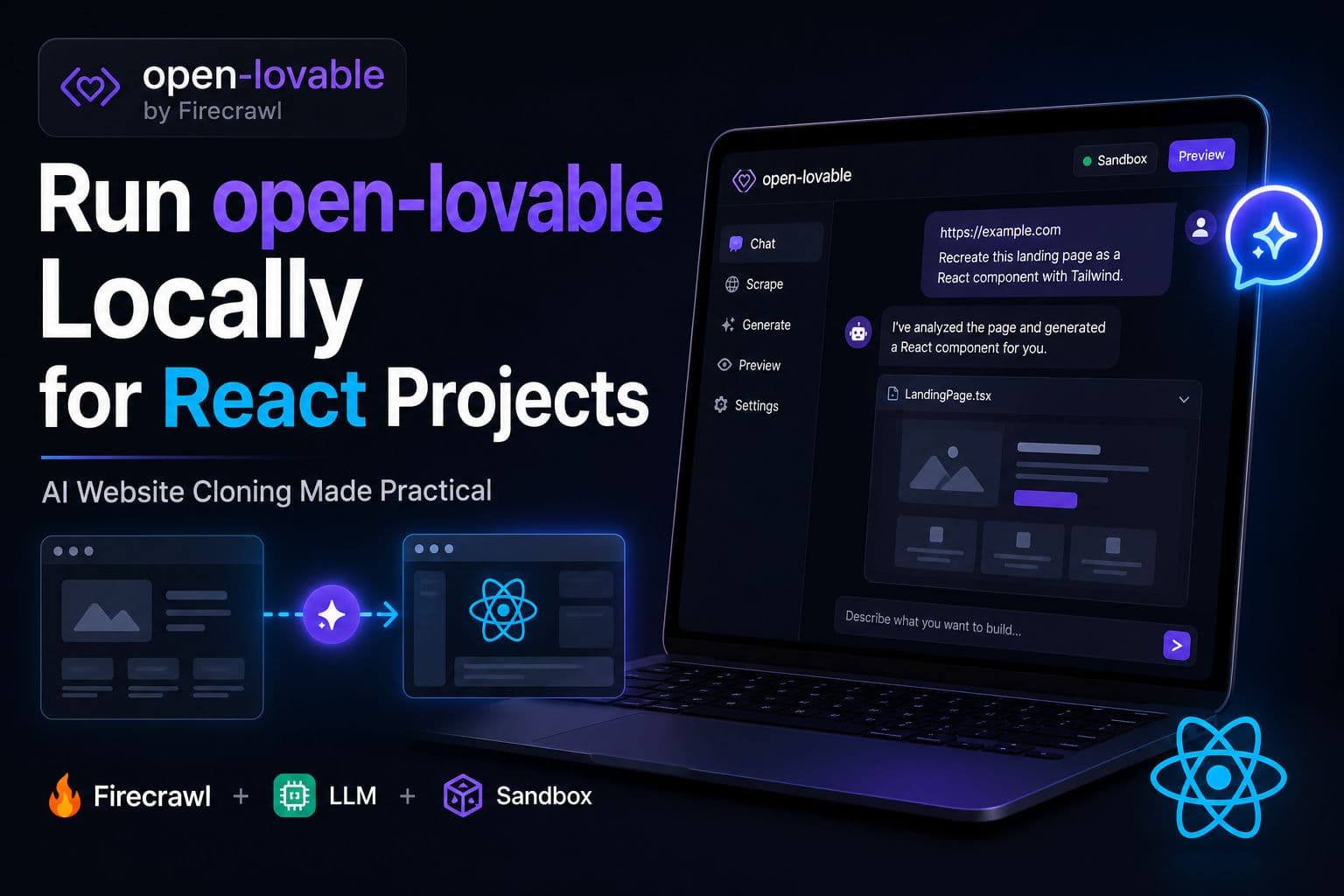
Firecrawl’s open-lovable hit 27k stars in a matter of days—because the pitch is genuinely compelling: point it at any URL, describe what you want, and get a running React app. It’s an open-source example app from the Firecrawl team that wires together web scraping, an LLM of your choice, and a live sandbox. I spun it up this morning to see where it actually holds up and where it quietly falls apart.
Here’s what working with it actually looks like.
1. What open-lovable is (and isn’t)
open-lovable is a Next.js app that does three things in sequence: it usesFirecrawl to scrape a target URL into structured content, passes that content plus your chat prompt to an LLM (Gemini, Claude, GPT-4o, or Groq—your pick), and runs the generated React code inside a sandbox (Vercel or E2B). The result is an editable, live-previewed React app built from a real website.
It is not a drag-and-drop builder, a deployment platform, or a design system. It’s closer to a scaffolding accelerator—like having a junior dev clone a UI into JSX in a few seconds instead of a few hours. The code you get back is real TypeScript/React; you own it from the moment you copy it out.
The “example app” framing in the README is honest. This is a reference implementation, not a polished SaaS. Lovable.dev is the full product. open-lovable is what you self-host and extend.
2. Setup in under 5 minutes
Clone, install, and configure. It’s standard Next.js—nothing unusual here.
      # 1. Clone and install
      git clone https://github.com/firecrawl/open-lovable.git
      cd open-lovable
      pnpm install

      # 2. Create .env.local with at minimum:
      # FIRECRAWL_API_KEY=your_key
      # ANTHROPIC_API_KEY=your_key   (or OPENAI / GEMINI / GROQ)
      # SANDBOX_PROVIDER=vercel

      # 3. Link to Vercel to get OIDC token auto-populated
      vercel link
      vercel env pull

      # 4. Run
      pnpm dev
Once the server is running, open http://localhost:3000. You’ll see a chat interface. Paste a URL and describe the app you want: “Recreate this landing page as a React component with Tailwind, no external images.”The Firecrawl key handles the scrape; the LLM key handles the generation; the sandbox key handles the live preview.
A note on LLM choice: Claude 3.5 Sonnet produces the cleanest React output in my testing—it respects component boundaries and avoids stuffing everything into one 400-line file. GPT-4o is a close second. Groq is faster but noisier; I’d only use it for quick throwaway scaffolds. Gemini Flash works but tends to inline styles instead of using className, which creates cleanup work.
For the sandbox, Vercel OIDC is the path of least resistance locally. Run vercel link thenvercel env pull—the VERCEL_OIDC_TOKEN populates automatically and you’re done. E2B is the better choice if you’re running this in a CI environment or sharing it with a team, since OIDC tokens are developer-scoped.
3. Integrating the output into a real React project
The generated code lands in the sandbox preview. Your job is extracting it and making it production-worthy. Here’s the pattern I use:
- Copy the generated component out of the preview into your
src/componentsdirectory. - Run it through ESLint and fix the easy stuff—missing keys, any
anytypes, inline event handlers that should be extracted. - Replace hardcoded strings with props. The LLM almost always bakes in the scraped site’s copy verbatim.
- Audit image sources. Firecrawl grabs the original URLs; you’ll want to swap those for your own assets or a CDN.
- Check that Tailwind classes are in your
contentglob—generated components sometimes use classes your project’s purge config doesn’t know about.
      // After extracting the generated component from the sandbox preview:
      // src/components/ScrapedHero.tsx
      import type { FC } from 'react';

      interface ScrapedHeroProps {
        headline: string;
        subheadline: string;
        ctaLabel: string;
        onCtaClick: () => void;
      }

      // Drop the generated markup here, but extract hardcoded strings as props.
      // Replace scraped image URLs with your own assets before shipping.
      const ScrapedHero: FC<ScrapedHeroProps> = ({ headline, subheadline, ctaLabel, onCtaClick }) => {
        return (
          <section className="relative flex flex-col items-center py-24 px-6 text-center">
            <h1 className="text-5xl font-bold tracking-tight">{headline}</h1>
            <p className="mt-4 text-lg text-gray-600 max-w-xl">{subheadline}</p>
            <button onClick={onCtaClick} className="mt-8 px-6 py-3 bg-black text-white rounded-xl">
              {ctaLabel}
            </button>
          </section>
        );
      };

      export default ScrapedHero;
That’s a minimal wrapper pattern. The generated component rarely needs its own state wiring out of the box—add that layer yourself rather than asking the AI to do it, because the LLM tends to invent prop shapes that don’t match your existing types.
4. Production gotchas you’ll hit fast
Firecrawl API quota. The free tier is 500 credits. A single scrape of a page with a lot of subresources can eat 5–20 credits. If you’re using this in a team workflow or iterating on the same site repeatedly, you’ll burn through the free tier in an afternoon.
The sandbox is ephemeral. Every preview is a fresh execution environment. There’s no persistence between sessions—no saved state, no installed npm packages beyond what the generated code specifies. If your actual project uses a component library like shadcn/ui or Radix, the preview won’t reflect that; you’ll need to manually reconcile after extraction.
Scraping behind auth. Firecrawl can’t get behind login walls without additional setup (headers, cookies). If the site you want to clone is a dashboard or a gated page, the scrape will land on a login redirect and your generated component will be a login form. Not useful.
Copyright and TOS. Cloning a competitor’s UI wholesale and shipping it is a legal grey area at best. Using open-lovable for inspiration or internal scaffolding is fine. Using the output verbatim in a client-facing product is not something I’d do without a thorough redesign pass.
Generated code quality varies by page complexity. Simple marketing pages—hero, features, CTA—come out clean. Complex interactive pages with modals, carousels, and dynamic data result in components that “look right” in the preview but are structurally messy. Budget time for a real code review before merging.
5. When I’d actually reach for this on a client project
I’ve been doing React work long enough to know that scaffolding tools have a narrow sweet spot. Here’s where open-lovable genuinely saves time in my workflow:
- Design-to-code for simple marketing sections. A client sends a competitor’s landing page and says “something like this.” Instead of spending an hour pixel-matching in JSX, I run it through open-lovable, get 80% of the structure in 30 seconds, and spend my hour on the 20% that’s actually bespoke. That’s a real time save.
- Internal tooling prototypes. When I’m scoping a new dashboard feature and want to show a stakeholder something clickable before committing to implementation, the generated preview is enough to have a real conversation. It’s faster than Figma if you’re more comfortable in code than design tools.
- Learning unfamiliar UI patterns. I’ve pointed it at components I admired on public sites just to see how the LLM would reconstruct the structure. Even when the output is wrong, the diff between the generated approach and the real implementation teaches you something.
Where I wouldn’t use it:
- Anything that needs to integrate deeply with an existing component library or design system. The friction of adapting the output to match your existing patterns erases the time savings.
- E-commerce product pages or checkout flows. The state management requirements are complex enough that the generated scaffold needs a near-full rewrite—you’re better off with a proper React architecture pattern from the start.
- Any page that needs accessibility beyond what Tailwind gives you for free. The LLM doesn’t consistently emit ARIA attributes, focus management, or keyboard nav. You’ll catch this in an a11y audit and wish you’d written it yourself.
The honest summary: open-lovable is a sharp tool for a specific job. It’s not a replacement for knowing React—it’s an accelerant for developers who already do. If you’re still getting comfortable with component design, hook patterns, and prop flow, I’d invest that time in fundamentals before leaning on AI generation. Shaky foundations plus generated code is a bad combination.
If you want to sharpen those fundamentals first, I cover exactly this kind of practical React thinking in my React tutoring sessions—real patterns, real code review, not slides.
6. Where to go from here
Theopen-lovable repois worth a read even if you don’t self-host it—the architecture of how it chains Firecrawl scraping into LLM prompting into a sandboxed preview is a clean reference for building your own AI-assisted dev tools. The code is readable TypeScript and the patterns transfer well.
If you’re working on a React project and want a second pair of eyes on the architecture—whether you’re integrating AI tooling or building from scratch—check out myJavaScript tutoring or book a consultation. I’m happy to look at whatever you’re building.