

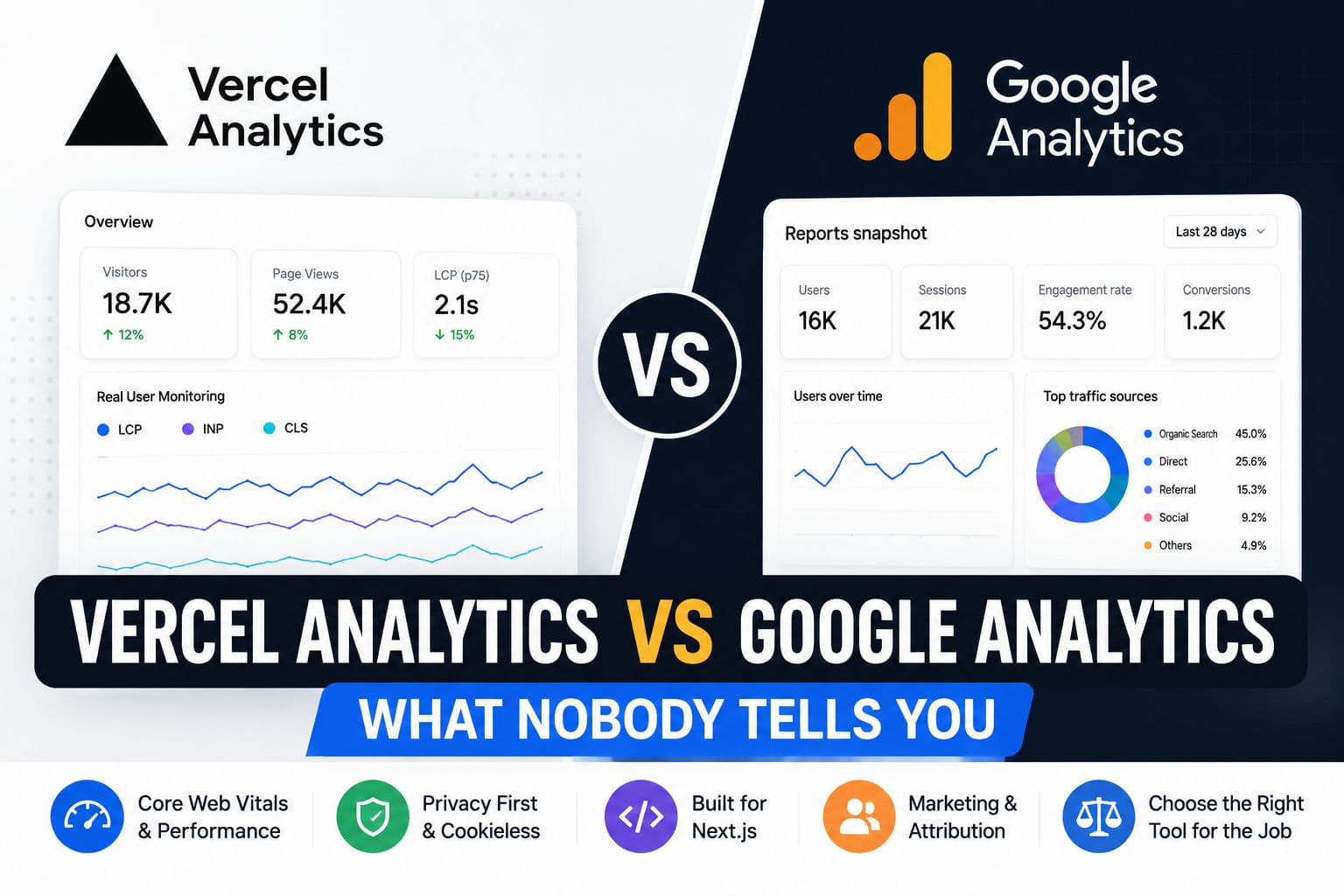
Google Analytics is the reflex answer when someone asks “how do I track my Next.js app?” It’s free, it’s familiar, and half your stakeholders already know how to read it. But after shipping a dozen Next.js projects—some with App Router, some still on Pages Router—I’ve found myself defaulting to Vercel Analytics more often than not, and the reasons go deeper than convenience.
Here’s the honest trade-off as I see it.
1. The core difference nobody states plainly
Google Analytics is a marketing tool pretending to be a performance tool. It answers questions like “where did my users come from” and “what did they do before converting.” Vercel Analytics is an experience tool—it answers “how did the app feel to real users on real devices.”
That distinction matters more than it sounds. If your stakeholder is a product manager asking about funnel drop-off and UTM attribution, Google Analytics wins hands-down. If your stakeholder is you—trying to figure out why your p95 LCP is 3.8 seconds on mobile despite a “green” PageSpeed score—Vercel Analytics is the better starting point.
2. Real User Monitoring and Core Web Vitals
The single biggest practical advantage Vercel Analytics has over GA4 is first-class Core Web Vitals tracking in Real User Monitoring (RUM) mode. You get LCP, CLS, INP, FCP, and TTFB broken down by page route—not just site-wide averages.
That route-level granularity is huge. GA4 can surface Web Vitals data through its integration with CrUX, but it’s aggregated and delayed. Vercel Analytics shows you that /products/[slug] is tanking on mobile while /checkout is perfectly fine. You can act on that immediately.
Google Search Console and PageSpeed Insights give you CrUX data too, but it’s 28-day rolling and you can’t correlate it with a specific deploy. Vercel Analytics ties performance snapshots to your deployment history—which means you can see exactly which commit caused INP to spike. That’s the kind of signal that makes performance debugging feel less like archaeology.
3. Privacy, consent banners, and GDPR fatigue
Here’s a real cost that rarely shows up in comparison posts: the compliance overhead of GA4.
Google Analytics sets persistent cross-site cookies and transfers data to Google’s servers. In practice, this means you need a GDPR-compliant consent banner if you have EU users, and you need to configure GA4’s data retention settings carefully or you’ll store PII longer than you’re legally supposed to.
Vercel Analytics uses a cookieless approach—it hashes IP and user-agent client-side rather than storing identifiers server-side. That means no consent banner required in most EU jurisdictions (verify with your own legal counsel, obviously). For SaaS tools and internal dashboards where I just need performance data and basic visit counts, that alone is worth the trade-off.
The flip side: you get zero cross-session user tracking. No user-level journeys, no cohort analysis, no funnel visualization. If those things matter to your product, Vercel Analytics won’t replace GA4.
4. Actual setup cost in an App Router project
In a Next.js App Router project, wiring up Vercel Analytics is genuinely two lines in your root layout:
      // app/layout.tsx
      import { Analytics } from '@vercel/analytics/react';
      import { SpeedInsights } from '@vercel/speed-insights/next';

      export default function RootLayout({ children }: { children: React.ReactNode }) {
        return (
          <html lang="en">
            <body>
              {children}
              <Analytics />
              <SpeedInsights />
            </body>
          </html>
        );
      }
That’s it. No _document.tsx hacks, no script tag management, no worrying about whether next/script strategy is set correctly. The SpeedInsights component handles Web Vitals reporting and the Analytics component handles page view tracking—both are zero-config by default.
GA4 in App Router is trickier. The standard approach involves a next/script tag with strategy="afterInteractive" and a manual usePathname listener to track soft navigations. It works, but it’s boilerplate you have to maintain, and soft navigation tracking is still easy to get wrong—especially if you’re mixing Client and Server Components.
5. When Google Analytics still wins
I want to be fair here, because I don’t think Vercel Analytics is the right call every time.
- Marketing-heavy sites — if SEO attribution, campaign tracking, and conversion funnels matter, GA4 plus Google Tag Manager is still the standard. Nothing else integrates as cleanly with Google Ads, Search Console, and Looker Studio.
- Large teams with non-technical stakeholders — your marketing lead already knows GA4. Switching them to a new dashboard mid-project is a people problem, not a technical one.
- Advanced segmentation — GA4’s Explore feature and its BigQuery export let you ask questions about your data that Vercel Analytics simply can’t answer today.
- Free tier limits — Vercel Analytics is free up to 2,500 events per month on the hobby plan. If you’re building something that gets real traffic, you’ll hit the Pro plan costs quickly. GA4 is free at essentially any scale.
6. What I actually do on client projects
Honest answer: I run both, but for different audiences.
Vercel Analytics goes in on day one, no discussion. It costs almost no setup time, and having RUM Core Web Vitals data from the first deploy is invaluable—especially since you get to see how performance changes with each release rather than discovering a regression three weeks later via a client complaint.
Google Analytics goes in when the client asks for it, or when I know there’s a marketing team who needs attribution data. I treat it as a separate concern from performance monitoring, not a replacement for it.
One thing I’d push back on: the idea that you need to choose. The real question is what job each tool is doing. Vercel Analytics answers “is my app fast and healthy.” GA4 answers “are my users converting.” Those are genuinely different questions, and on any project where both matter, running both makes sense.
Where I’d skip Vercel Analytics is on a client who’s already outside the Vercel ecosystem—say, self-hosted on a VPS or deploying to AWS. The analytics product is tightly coupled to the Vercel platform. You could use the npm package on other hosts, but you lose the deployment correlation and some of the dashboard features that make it actually useful.
If you’re shipping a Next.js app and want a second opinion on your analytics setup—or your Core Web Vitals numbers are moving in the wrong direction after a recent deploy—book a consultation and we can dig into it together. I’ve traced enough RUM regressions to know where the non-obvious surprises usually hide.
And if you want to see what this kind of performance-first approach looks like in practice, the case studies cover a few Next.js projects where analytics data was the starting point for meaningful perf work.