

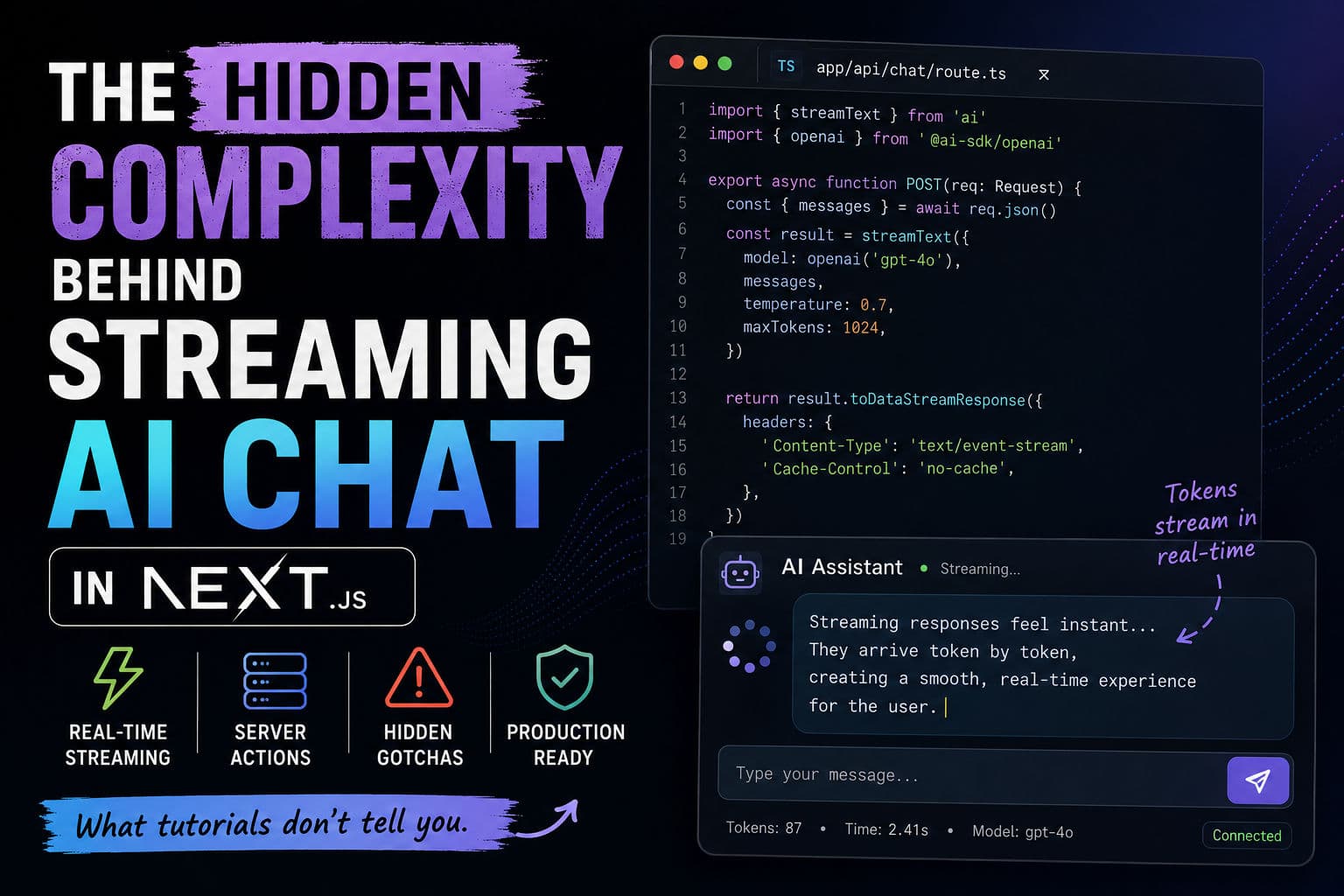
Streaming AI chat is one of those things that looks dead simple in a tutorial—five lines, a useChat hook, done. Then you ship it and your users are seeing broken streams, duplicate messages, and a UI that freezes mid-response. I’ve debugged this exact class of problem across several client projects, and the gap between the “getting started” guide and a production-ready implementation is wider than most people expect.
Here’s what I actually think about when wiring up streaming AI chat in Next.js.
1. Why streaming matters beyond aesthetics
The obvious argument for streaming is perceived performance—users see tokens arriving immediately instead of waiting 3–8 seconds for a full response. That’s real and important. But there’s a second reason that matters more for serverless deployments: timeout avoidance.
Vercel’s default function timeout is 10 seconds on the Pro plan (30 on Enterprise). A non-streaming request to a large model like GPT-4o can easily exceed that for long outputs. Once you stream, the connection stays open and you’re sending data continuously, which keeps the function alive well past any single-response timeout. It’s not just UX—it’s architecture.
The other thing streaming changes is memory pressure. If you buffer the entire response before sending it, you’re holding potentially megabytes of token data in your serverless function’s memory. With streaming, you pipe tokens out as they arrive. For high-concurrency apps, that difference is meaningful.
2. Server Actions vs Route Handlers for streaming
This is the decision I see developers get wrong most often. Vercel AI SDK supports both patterns, and the docs make them look roughly equivalent. They’re not.
Here’s my actual take:
- Server Actions are the right default for simple chat UIs. You get type safety end-to-end, no manual
fetchwiring, and theuseChathook integrates cleanly. The ergonomics are genuinely good. - Route Handlers are better when you need fine-grained control over headers, need to support non-browser clients (mobile apps, CLI tools), or need to compose middleware. Server Actions don’t let you set custom response headers—which matters if you want to stream a custom content type or add rate-limit headers for observability.
- Server Actions have a subtler problem: they run in the App Router context, which means they’re subject to Next.js’s own request caching behavior. If you’re not careful, you can accidentally cache an AI response and serve the same tokens to multiple users. I’ve seen this in the wild. Always confirm you’re opting out of caching on anything that touches an LLM.
      import { unstable_noStore as noStore } from 'next/cache';

      export async function POST(req: Request) {
        noStore(); // opt out of caching — never skip this on LLM endpoints

        const { messages } = await req.json();
        // ... stream response
      }
That noStore() call is easy to forget and the failure mode is silent and embarrassing.
3. Sharp edges in useChat you won’t find in the docs
useChat from Vercel AI SDK is a solid abstraction. But after using it across multiple projects, here are the issues I’ve actually hit:
- Optimistic message IDs. The hook generates temporary client-side IDs for messages before the server responds. If your persistence layer (a database, say) generates its own IDs on save, you end up with a mismatch. You need a reconciliation step, or you need to decide upfront that client IDs are authoritative. Most tutorials skip this entirely.
- Stream interruption handling. When a user navigates away mid-stream, the fetch is aborted. That’s fine. But if you’re persisting messages, you now have a partial message in your database. You need to decide: do you save it as-is, discard it, or flag it? None of these options are handled for you.
- Reconnection.
useChatdoesn’t have built-in reconnect logic. If the stream drops (edge function cold start, flaky network), the user just sees the UI freeze. You need to layer that in yourself—typically by catching the error inonErrorand offering a “Retry” affordance. - Input state on submit. The hook clears the input immediately on submit, which is the right UX. But if the request fails before the stream starts, you’ve now lost the user’s message. Preserve it in local state until you confirm the stream has begun.
4. Error handling that doesn’t embarrass you
The default useChat error handling surfaces a generic error. In production, you need to distinguish between at least three failure modes:
- Rate limit from the LLM provider—tell the user to wait and retry, not to “try again.”
- Content policy rejection—the model refused to respond. Handle this gracefully without showing a raw API error.
- Network failure—stream dropped. Offer a retry with the same message context.
The way to surface this is to encode error type in the stream itself before closing it. Vercel AI SDK supports data streaming alongside text streaming—use that channel to send a structured error object that the client can interpret. Don’t rely on HTTP status codes alone because by the time a streaming response starts, the status code is already 200.
That last point trips up a lot of developers. A 200 response with a broken stream is still a broken stream. Your client error handling needs to watch the stream content, not just the response status.
5. What I’d actually build on a client project
When I spec out a streaming AI chat feature for a client, here’s the stack I reach for and why:
- Route Handler over Server Action for the AI endpoint. More explicit, easier to unit test, no risk of accidental caching, and I can attach middleware for rate limiting and auth.
- Vercel AI SDK’s
streamTextwith a provider abstraction so I can swap models (OpenAI → Anthropic → local Ollama) without rewriting the endpoint. - Persist to a database optimistically on the client, confirm on completion. Don’t wait for the stream to finish before showing the message in the UI, but only write the final message to the DB once the stream closes cleanly.
- Interrupt handling: wrap
useChatin a thin component that captures the last submitted input and re-injects it if the stream errors before the first token arrives. - Rate limit at the edge. Put a Vercel Edge Middleware rule in front of the AI endpoint that limits requests per user session. LLM APIs are expensive; one runaway client can wipe out your budget in minutes.
None of this is rocket science, but it’s the difference between a demo and something you can confidently put in front of paying users. The tutorial versions skip all of it because it doesn’t make for a clean five-minute read.
If you’re building something like this and want a second set of eyes on the architecture before you go too deep, I offer development consultations specifically for this kind of greenfield Next.js work. Sometimes an hour of review saves two weeks of rearchitecting.
6. Further reading
The Vercel AI SDK docs are genuinely good once you’re past the basics—the section on data streaming and custom providers is worth reading in full. For the Next.js-specific streaming primitives, the App Router streaming docs explain the Suspense integration clearly.
For real-world context on how this fits into larger Next.js projects, check out the case studies—a few of the recent projects involved exactly this kind of streaming UI work.