

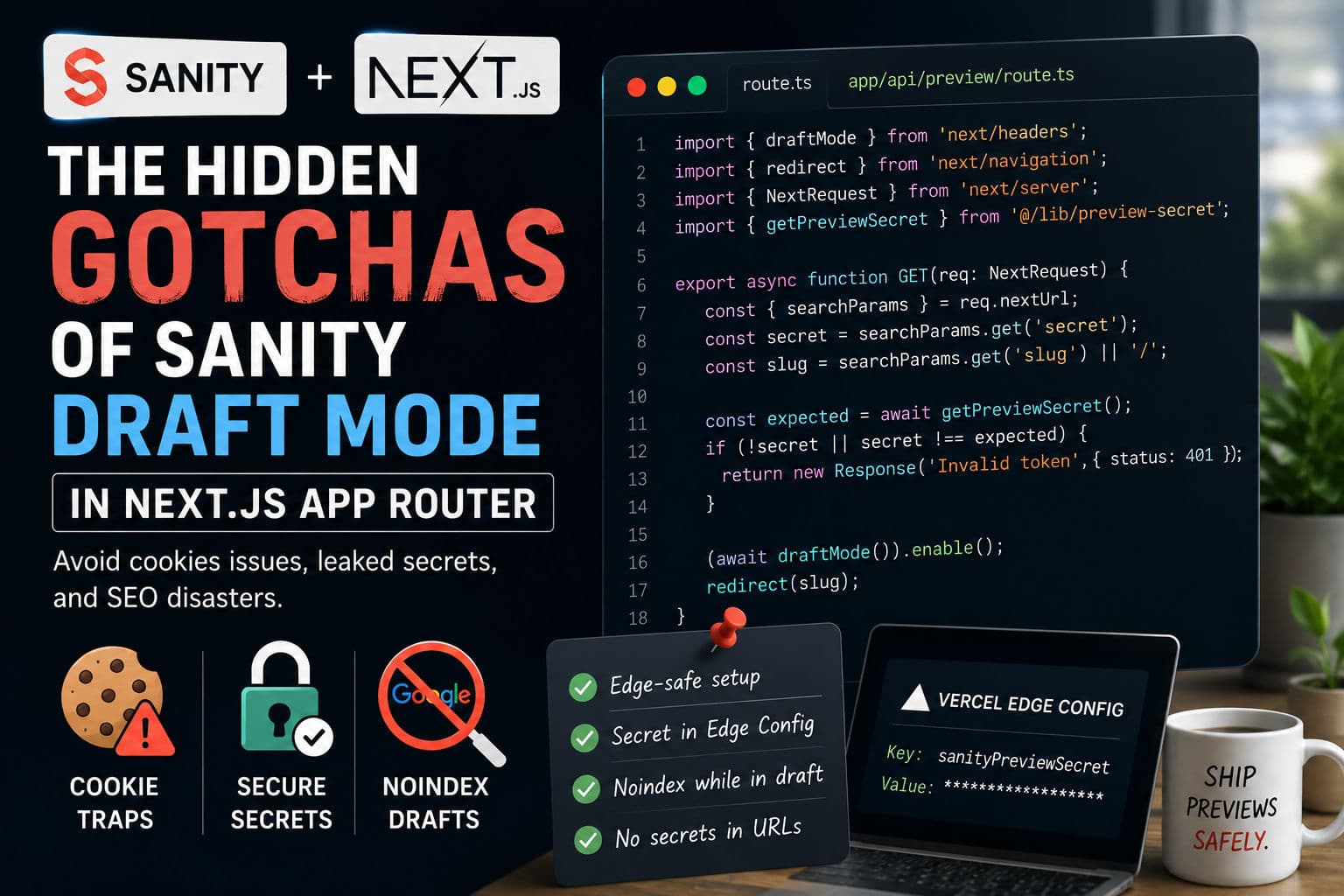
Sanity’s draft mode preview looks trivial on paper—call draftMode(), set a cookie, done. But on production Next.js App Router projects, I’ve been burned by three things that the tutorials never mention: edge runtime cookie restrictions, a preview secret committed to a repo, and a client panicking because an unpublished landing page showed up in Google Search Console. This post covers the exact setup I ship now.
Here’s the breakdown, in the order problems actually appear.
1. How Next.js Draft Mode actually works
Next.js ships a draftMode() function from next/headers. When you call draftMode().enable() inside a route handler, Next.js sets a signed, HttpOnly cookie on the response. Any subsequent request that carries that cookie will have draftMode().isEnabled return true inside Server Components and route handlers.
The cookie itself is opaque—you can’t read it with JavaScript on the client, which is exactly what you want. Your Server Components check the flag, and if it’s set, they hit the Sanity CDN with perspective: ‘previewDrafts’ instead of the default published API. Clean in theory.
Where it breaks is the surrounding infrastructure: how you protect the enable endpoint, how you store the secret, and what happens when a draft URL leaks.
2. The edge runtime cookie trap
If your route handler runs on the Edge Runtime (export const runtime = ‘edge’), you’ll hit a nasty surprise: draftMode().enable() throws because the Edge Runtime doesn’t support the full cookies() API that Draft Mode relies on under the hood.
The fix is simple but non-obvious—don’t run your preview route handler on the edge. Let it run on the Node.js runtime (which is the default). If you need edge speed elsewhere, fine, but the /api/preview handler is not the place to chase latency. It’s a one-time click from a Sanity Studio button, not a hot path.
Two things I check immediately on any project where preview “just stopped working”:
- Is there a
runtime = ‘edge’export in the route file or in a parentlayout.tsx? - Is the middleware config accidentally matching the preview route and forcing it onto the edge?
The second one bites people hardest. A broad matcher in middleware.ts that covers /api/(.*) can silently coerce your preview handler onto the edge runtime even when the route file itself doesn’t declare it.
3. Secret management without a redeploy
The standard advice is to store your preview secret in an environment variable and compare it against the ?secret= query param on the enable URL. That works—until a client’s developer commits a .env.local file, or you need to rotate the secret quickly after a leak.
Rotating an env var on Vercel triggers a redeploy. On a busy project, that’s a 2–3 minute window where the old secret still works (or the new one doesn’t, depending on deployment state). Vercel Edge Config solves this cleanly.
Edge Config is a low-latency key-value store that your functions can read without a redeploy. You store the preview secret there instead of (or in addition to) the env var. Rotating the secret is a single API call to Edge Config—zero downtime, zero redeploy, takes effect in under a second globally.
The read pattern inside your route handler looks roughly like:
      import { get } from '@vercel/edge-config';

      async function getPreviewSecret(): Promise<string> {
        try {
          const secret = await get<string>('sanityPreviewSecret');
          if (secret) return secret;
        } catch {
          // fall through to env var
        }
        return process.env.SANITY_PREVIEW_SECRET ?? '';
      }
If the Edge Config read fails (network blip, misconfigured token), I fall back to the env var rather than failing hard. That fallback has saved me during Vercel Edge Config outages—rare, but they happen.
4. Preventing draft pages from hitting Google
This is the one that causes actual client panic. Sanity’s preview URLs are usually something like /api/preview?secret=xyz&slug=/new-product. If a content editor shares that URL in Slack, and someone clicks it from a browser that’s then crawled (it happens), the draft content can end up indexed.
Three layers of defense I use together:
- Never reflect the secret in the redirect URL. The enable handler validates the secret, sets the cookie, then redirects to the slug—with no secret in the destination URL. The cookie does the work from that point on.
- Add
X-Robots-Tag: noindexheaders to any response served whiledraftMode().isEnabledis true. You can do this inmiddleware.tsby reading the draft mode cookie and appending the header. - Scope the enable endpoint. Require the request to come from an allowed origin list (Sanity Studio’s domain) checked server-side. Not bulletproof, but it raises the bar.
The X-Robots-Tag approach is the one I’d call non-negotiable. Googlebot respects it, and it means even if a draft URL leaks, the page won’t be indexed as long as the cookie is present on the response.
5. The route handler shape I use
The minimal typed route handler that covers all three concerns—edge runtime safety, secret validation, and no-secret redirect:
      import { draftMode } from 'next/headers';
      import { redirect } from 'next/navigation';
      import { NextRequest } from 'next/server';
      import { getPreviewSecret } from '@/lib/preview-secret';

      export async function GET(req: NextRequest) {
        const { searchParams } = req.nextUrl;
        const secret = searchParams.get('secret');
        const slug = searchParams.get('slug') ?? '/';

        const expected = await getPreviewSecret();
        if (!secret || secret !== expected) {
          return new Response('Invalid token', { status: 401 });
        }

        (await draftMode()).enable();
        redirect(slug);
      }
That’s the whole handler. It’s deliberately short. The secret comparison uses a timing-safe equality check (or a constant-time comparison library) to prevent timing attacks against the secret itself. The redirect carries the slug but not the secret. And because there’s no runtime = ‘edge’ export, it stays on Node.js.
6. What I’d actually do on a client project
Across the projects I’ve shipped with Sanity + Next.js App Router, the setup above has become my default. But there are a few judgment calls I make differently depending on the client:
- Edge Config vs. env var: If the client has a Vercel Pro plan, Edge Config is worth it purely for the rotation story. On Hobby or early-stage projects where secrets are stable, I stick to env vars and document the rotation procedure. Edge Config has a small cost and a learning curve for the client’s DevOps team.
- Exit endpoint: I always add a
/api/preview/exitroute that callsdraftMode().disable(). Sanity Studio can link to it as the “stop preview” button. Without it, editors end up clearing cookies manually—which they won’t do. - Preview in production vs. a dedicated preview deployment: I’ve seen teams route Sanity preview through a separate Vercel preview deployment with its own domain, specifically to keep draft content off the production origin. It’s cleaner from a security standpoint, but it adds a second deployment to maintain. For most clients, preview-on-production with noindex headers is good enough.
- Turbopack and fast refresh: If the client is on Next.js 15+ using Turbopack locally, draft mode works fine in dev. What doesn’t work is testing the route handler in
next devwith hot reload while the cookie is already set—sometimes the runtime re-evaluates before the cookie check, producing false negatives. Always test preview in a production build (next build && next start) before shipping.
The underlying principle is the same as most App Router security work: the primitives Next.js gives you are solid, but the sharp edges are in the runtime constraints and the operational details nobody writes about.
If you’re architecting a Next.js project with a headless CMS and want to get the preview, caching, and deployment story right from the start, check out my case studies for real-world examples, or book a development consultation and we can walk through your specific setup.