

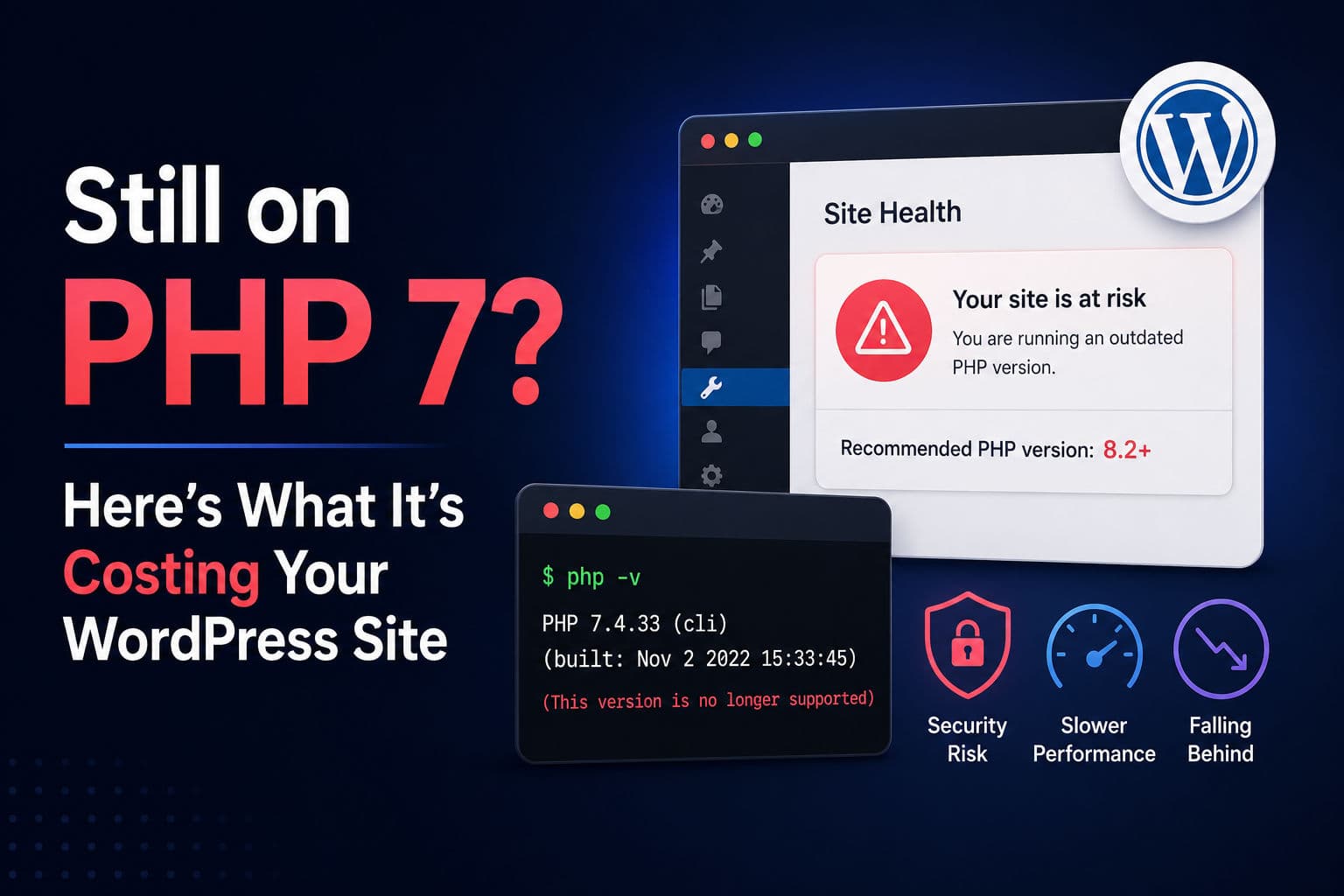
The majority of WordPress sites I come across during a WordPress audit are running PHP 7.4 or older — and more than a few are still on PHP 7.2. PHP 7.4 hit end-of-life in November 2022. PHP 8.0 hit it in November 2023. If your site is on either of those, you’re running unsupported software with known, unpatched CVEs. That’s not a theoretical risk — it’s an active one.
Here’s what that actually means in practice, and how to fix it without breaking your site.
1. What PHP end-of-life actually means
“End-of-life” doesn’t mean PHP 7.4 stops working on your server. It means the PHP team stops issuing security patches for it. Vulnerabilities discovered after that date get CVEs published, get exploited in the wild, and never get fixed upstream.
The risk compounds for WordPress specifically because WordPress itself is written in PHP. A PHP-level vulnerability can bypass every WordPress-level security measure you’ve put in place — your firewall plugin, your hardened wp-config.php, your login protection. None of that matters if the interpreter underneath has a known remote code execution flaw.
The WP Tavern conversation with Milan Petrović makes a point worth repeating: it’s not just that you’re exposed to old vulnerabilities — it’s that new vulnerabilities discovered in code that also affects your PHP version will never be backported to fix you. You’re permanently falling behind.
2. The real performance gap between PHP 7 and PHP 8
This one surprises people. PHP 8.0 introduced the JIT (Just-in-Time) compiler. PHP 8.1 and 8.2 layered on fibers and additional OPcache improvements. The benchmark gains are real — in my experience, switching a WooCommerce store from PHP 7.4 to PHP 8.2 typically cuts server response time (TTFB) by 15–30%, depending on how much PHP work the page actually does.
For content-heavy WordPress sites doing a lot of Gutenberg block rendering server-side, the improvement is even more noticeable. Cached pages obviously won’t see the same gain — but uncached requests, authenticated admin sessions, WooCommerce cart/checkout, and REST API endpoints all benefit directly.
If you’re doing any WordPress speed optimization work and haven’t checked the PHP version first, you’re missing the cheapest win on the list.
3. Why so many WordPress sites stay stuck on old PHP
There are three real reasons, and one fake one.
The fake reason: “My host controls the PHP version and I can’t change it.” This hasn’t been true for any reputable shared host in years. Every managed WordPress host and virtually every cPanel-based host lets you switch PHP versions per-site from a dashboard. If yours genuinely doesn’t, that’s a strong signal to move hosts.
Real reason #1: Abandoned plugins. A plugin last updated in 2019 was written against PHP 5.6 or 7.0 patterns. Moving to PHP 8.x breaks it with fatal errors. And because the plugin is abandoned, no fix is coming. The site owner either doesn’t know, or knows and is scared to touch it.
Real reason #2: Themes with deprecated PHP patterns. Premium themes from 2015–2018 often use create_function(), each(), or other functions removed in PHP 8.0. Same problem, same fear.
Real reason #3: Agencies that set it and forgot it. The site launched, the client’s on a maintenance plan, but nobody included PHP version review in the plan scope. This is surprisingly common.
4. How to check your PHP version and find the risks
Start with the basics. In your WordPress admin under Tools → Site Health, WordPress will tell you your current PHP version and flag it if it’s outdated. It’s not comprehensive, but it’s the fastest first check.
For a deeper look, the PHP Compatibility Checker plugin by WP Engine will scan your active theme and plugins against a target PHP version and surface specific incompatibilities before you upgrade. Run it targeting PHP 8.2 and review the output carefully.
Separately, plugins like Vulnerability Lab (mentioned in the WP Tavern episode) map your installed plugin versions against known CVE databases. It’s worth running one of these on any site you’re auditing — you’ll almost always find something surprising.
5. A safe upgrade path that won’t break production
Here’s the process I follow every time:
- Run PHP Compatibility Checker targeting 8.2. Document every flagged plugin and theme.
- Update every plugin and theme that has an update available. Many flagged issues are already fixed in the latest release — you just haven’t updated yet.
- For still-flagged items: find an actively maintained alternative, or remove the plugin if it’s non-essential. If the plugin is essential and abandoned, that’s a bigger conversation with the client.
- Create a staging environment that mirrors production. If your host doesn’t offer one, use a plugin like WP Staging to clone the site locally or to a subdomain.
- Switch PHP version on staging first. Test thoroughly — front end, admin, WooCommerce checkout if applicable, any custom post type flows.
- Take a full backup of production, then switch PHP there. The whole process from flip to verification should take under 10 minutes.
If you’re jumping more than one major version (say, 7.2 to 8.2), consider going through 7.4 first if you hit a wall of errors. But honestly, in most cases the direct jump works fine if you’ve done the compatibility work first.
6. What I’d actually do on a client site
The PHP version check is now the first thing on my WordPress audit checklist — before I look at caching, before I look at image optimization, before I look at anything else. It’s a five-second check that determines whether anything else I do matters.
The pattern I see most often: a WooCommerce store on PHP 7.4, running a page builder that’s two major versions behind, with three or four plugins that haven’t been updated in 18 months. The owner is on a “managed WordPress” hosting plan at $50/month but nobody is actually managing it. The site is slow, and the performance problems are being misattributed to the theme or the server tier when the real issue is a combination of outdated PHP and a plugin stack that hasn’t been curated in years.
My honest recommendation: target PHP 8.2 (currently the most stable, actively supported 8.x release). Don’t skip to 8.3 yet unless you specifically need something from it — 8.2 has the widest plugin compatibility right now. Set a reminder to revisit in 12 months as the ecosystem catches up to 8.3.
One thing I push back on: the idea that this is “the hosting company’s job.” Hosts can’t auto-upgrade your PHP because it would break sites. This is on you, or on whoever is responsible for maintaining the site. If that’s nobody, that’s the actual problem to fix.
If you’re an agency reading this: add PHP version review to your monthly maintenance checklist. It takes two minutes and it’s a legitimate deliverable you can point to.
Need help auditing or modernising a WordPress site that’s been left to drift? That’s exactly the kind of work covered under WordPress development — or if the goal is specifically around performance, WordPress speed optimization is the better starting point.