

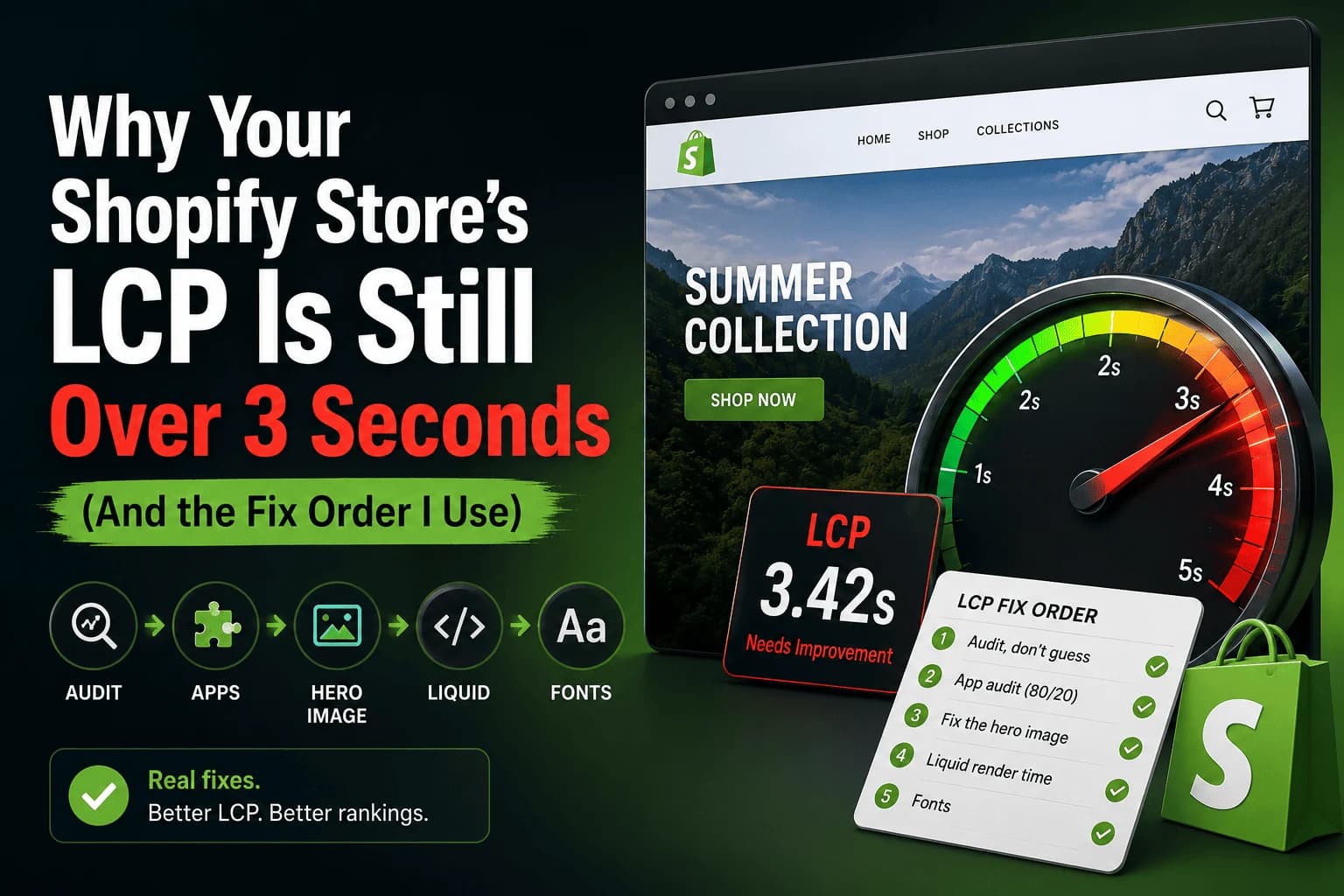
Most “Shopify speed optimization” advice tells you to compress images and call it done. After working on 50+ Shopify storefronts, I can tell you images are rarely the problem. The real LCP killers are usually further down the stack — and you have to fix them in the right order, or you waste hours on changes that don’t move the needle.
Here’s the exact triage order I follow.
1. Audit, don’t guess
Before touching anything, run the page through PageSpeed Insights and WebPageTest. PageSpeed Insights gives you the Core Web Vitals numbers Google actually uses for ranking. WebPageTest gives you a waterfall that tells you why the page is slow.
Look for these in the waterfall:
- Render-blocking scripts in the
<head> - Large hero images without
fetchpriority="high" - Third-party scripts loaded synchronously — the usual suspects: chat widgets, review apps, and analytics stacks
2. App audit — the 80/20 of Shopify performance
Open your theme’s theme.liquid and search for every <script> tag injected by an app. Each one is a candidate for removal or deferral.
A pattern I see constantly: stores running 4–5 review apps, 2 popup apps, and 3 “AI personalization” apps. Each one loads ~50–200 KB of JavaScript on every page. That’s your problem.
What I actually do:
- Uninstall apps that aren’t generating revenue you can measure
- For apps you keep, ask the dev support team if they have an async or deferred loading option (about half do; you just have to ask)
- Move non-critical scripts to load on
requestIdleCallbackor after the first user interaction
3. Fix the hero image properly
If the LCP element is a hero image (it usually is on Shopify):
- Add
loading="eager"andfetchpriority="high"on the<img> - Serve it as WebP at the actual display dimensions, not the source size
- Preload it in
<head>:
<link
  rel="preload"
  as="image"
  href="/path/to/hero.webp"
  fetchpriority="high"
/>
This alone usually drops LCP by 600–1,200 ms on a typical Dawn-based theme.
4. Liquid render time
The often-missed one. If your collection or product page is slow even on a fast connection, your Liquid is doing too much work per request. Common culprits:
- Nested
forloops overall_products - Unbounded metafield iteration
- Custom snippets that re-render the same data on every section
Use the Shopify Theme Inspector to find slow blocks. Cache what you can in section data, and look hard at any snippet that touches all_products or queries metafields in a loop.
5. Fonts
Self-host critical fonts. Three rules:
- Use
font-display: swapso text renders immediately - Subset to the characters you actually use
- Preload only the one or two weights used above the fold — preloading every weight hurts more than it helps
This is the boring last 10% that takes you from “fast enough” to “fast.”
What I don’t recommend
The dozens of “speed optimization” apps in the Shopify App Store. Most of them just add another script to the page they claim to make faster. The fix is almost always removing things, not adding things.
For real proof, see the case studies — the Shopify projects there all went through this same triage order.
Speed work and design work often land in the same engagement: once the store is fast, the next ask is usually a new section or a cleaner product page. That’s Shopify theme customization, and it’s the companion to the Shopify speed optimization service this post is really about.
Stuck on a slow Shopify store?
If you’ve worked through this list and your LCP still won’t budge, book a free 15-minute call and I’ll take a look at your storefront.
Book a free Shopify speed call